PC Fan Clearance Airflow Performance: NASA & LTT Study
Key Takeaways
- •PC fans need at least 15mm of clearance to maintain reasonable airflow — below that, a dead zone forms and air can reverse direction entirely.
- •Obstructed fans don't just cool worse — they get louder, because restricted airflow creates turbulence across a broader sound spectrum.
- •NASA's Particle Image Velocimetry revealed the exact moment airflow breaks down, giving this research a level of precision no consumer fan tester can match.
The PC Fan Clearance Problem: Why Your Case Design Matters
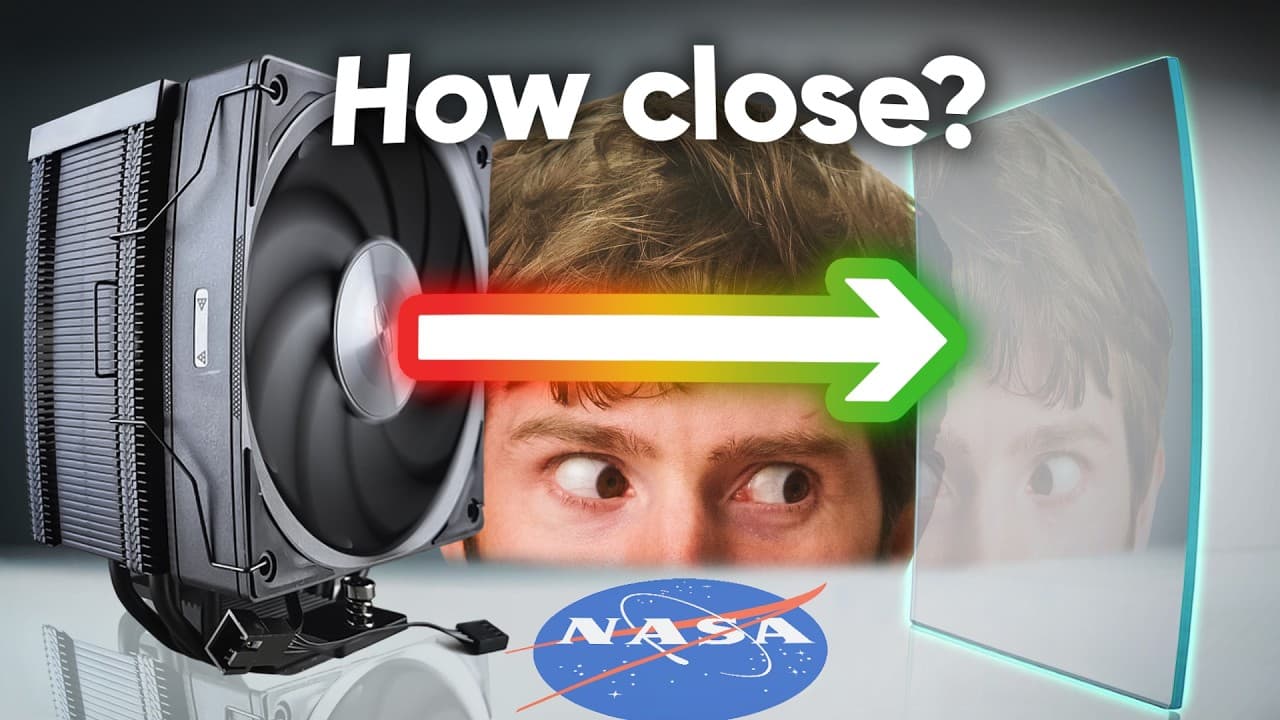
Most PC builders spend hours agonizing over CPU coolers and thermal paste application, then shove a case fan two centimeters from a side panel and call it a day. It turns out that gap matters enormously. Linus Tech Tips partnered with NASA's Langley Research Center — yes, that NASA — to run controlled aerodynamic tests on exactly this problem: how much physical space does a PC fan need before its performance starts falling apart? The findings, documented in We Went to NASA To Solve a Computer Mystery, are more precise than anything the PC building community has had to work with before.
The answer isn't a rough estimate. It's a hard number with measurable consequences on both sides of it. And if you've ever wondered why your case runs warmer than the specs suggest it should, the clearance between your intake fans and whatever surface is nearest to them is a very reasonable place to start looking. As we explored in Linus Tech Tips' guide to building a custom NAS, airflow planning is one of those things that looks simple until you actually measure it.
How Much Clearance Do PC Fans Actually Need?
The research landed on 15mm as the minimum viable clearance for a PC fan to maintain reasonable performance. That's roughly 0.6 inches — less than the width of your thumb. Below that threshold, the airflow pattern stops behaving like a coherent stream and starts doing something much worse.
At very close distances, the fan doesn't just move less air. It starts pulling air backward through sections of the blade sweep, creating what the testing identified as reverse airflow. The fan is spinning, consuming power, generating heat in its motor — and actively working against itself in places. That's not inefficiency. That's a design failure hiding inside a perfectly functional component.
The 15mm Minimum Rule Explained
The 15mm figure came out of PIV testing — more on that method shortly — which showed that at this distance, a distinct dead zone appears near the fan's center, and airflow begins curling outward rather than moving straight through. The fan is no longer pressurizing air in a useful direction; it's deflecting it. When a radiator or other high-resistance component is added in front of the fan at close range, the situation deteriorates further, and the research recommended 20mm or more in those configurations.
The tufting tests — where strings attached to a panel visualized airflow direction as the panel moved closer — made this visible in the most literal way possible. Strings that pointed cleanly away from the fan at distance started swirling, then reversed entirely. Low-tech, but the kind of demonstration that makes the physics impossible to argue with.
What Happens When Fans Don't Have Enough Space
Dead Zones and Reverse Airflow
Particle Image Velocimetry is the technique that turned this from an observation into a measurement. PIV uses lasers and high-speed cameras to track microscopic particles suspended in the air, mapping their velocity and direction frame by frame. NASA used this at Langley to produce detailed flow maps showing exactly where air moved, where it stalled, and where it reversed.
Without obstruction, the airflow profile is clean — air moves through the fan in a predictable column. At 15mm clearance, a dead zone forms at the center of the fan's sweep, and the outer edges start redirecting airflow sideways rather than forward. With severe obstruction and a radiator in the mix, the maps showed airflow almost completely halted. The fan is running. The air is not cooperating.
What makes the PIV data genuinely useful here is that it explains the mechanism, not just the outcome — a consumer fan tester can tell you CFM dropped, but it can't tell you why the air stopped moving where it did.
Why Obstructed Fans Sound Louder
Here's the counterintuitive part: covering a fan makes it louder before it makes it quieter. The acoustic testing — conducted in NASA's anechoic chamber using specialized microphone arrays — confirmed that restricted airflow generates turbulence, and turbulence produces a broader, less tonal noise signature. Instead of the relatively clean hum of a fan moving air efficiently, you get a wider spread of frequencies that registers as more noise overall.
The practical implication is that if your PC sounds louder than it used to and you haven't changed any hardware, something may have shifted to reduce fan clearance — a cable migrated in front of an intake, a panel got pushed closer, the case moved against a wall. The noise increase isn't just annoying. It's diagnostic. It tells you the fan is working harder for less result, which is exactly the kind of thing that shortens component life over time.
NASA's Scientific Testing Methods for Fan Airflow
Tufting: Visualizing Airflow Patterns
Tufting is about as low-tech as aerodynamic testing gets. Strings or yarn are attached to a surface, and you watch what they do when air moves past them. NASA used this as the first pass — moving a flat panel progressively closer to a spinning fan and observing when the tufts stopped pointing cleanly away and started doing something erratic.
The value here isn't precision. It's immediacy. Tufting shows you the shape of a problem before you commit to the expensive equipment needed to quantify it. The fact that NASA still uses it alongside PIV and acoustic arrays says something about the enduring usefulness of watching physical things move in response to air. Sometimes the simplest method is the one that makes the result legible to everyone in the room.
Particle Image Velocimetry for Precision Measurement
PIV is the opposite end of the spectrum. In We Went to NASA To Solve a Computer Mystery, Linus Tech Tips documented the team using this technique at Langley — a facility with roots in early American aeronautics and currently supporting programs including Artemis — to generate velocity field maps of the air around a fan under various obstruction conditions.
The laser illuminates a plane of seeded particles, the camera captures two frames in rapid succession, and software calculates how far each particle moved between frames. The result is a vector field: arrows showing speed and direction at every point in the measurement plane. It's the kind of data that makes the 15mm recommendation feel like a finding rather than a guess. The dead zone isn't inferred. It's mapped.
Radiator Placement and Fan Clearance Recommendations
Radiators complicate the clearance equation because they add resistance. Air has to push through a dense fin stack, which means the fan is working against backpressure in addition to any spatial restriction from nearby surfaces. The research found that this combination — high-resistance component plus insufficient clearance — produces the worst outcomes, and bumped the recommendation up to 20mm minimum in those setups.
For most standard case configurations this is achievable, but it requires intentional planning. Radiators mounted on front panels with fans sandwiched between the radiator and the panel edge are a common offender. The panel looks fine from the outside. The airflow inside is a mess.
Optimizing Your PC Case Design for Better Cooling
The practical takeaway from all of this is straightforward: measure before you mount. A ruler and 30 seconds of checking clearance distances before finalizing your build can prevent a cooling configuration that looks correct but performs significantly below its potential.
The 15mm rule applies to intake fans near walls, panels, or floors. The 20mm rule applies anywhere a radiator is in the airflow path. And if your fans are already installed and you're hearing more noise than expected, the clearance is the first thing worth checking — not the fan speed curve, not the thermal paste, not the case ventilation holes. The space in front of the fan matters as much as the fan itself.
For anyone thinking about how airflow interacts with hardware layout more broadly, the same principles that govern fan clearance show up in other places too — it's the kind of systems thinking that applies whether you're cooling a gaming rig or, as covered in a custom NAS build, managing thermals in a storage-dense enclosure where airflow paths are even more constrained.
Our Analysis: The most interesting thing this research does is give PC builders a number they can actually use — 15mm — instead of the vague "leave some space" advice that's been floating around forums for years. But the acoustic finding deserves more attention than it got. The fact that noise increases before airflow collapses means most people with restricted fans are sitting in the worst possible position: degraded performance and more noise, without the fan failing in any obvious way. There's no alarm. The system just quietly underperforms.
NASA's involvement also reframes what this kind of testing costs. PIV and anechoic chambers aren't available to consumer hardware reviewers, which means the gap between "we measured CFM" and "we mapped the velocity field" is enormous. Most fan reviews are measuring outcomes. This measured causes. Those are different products, and the industry mostly only sells you the first one.
Frequently Asked Questions
How much clearance do PC fans need for optimal airflow performance?
What actually happens to airflow when a PC fan is too close to a surface?
Does blocking a PC fan make it louder or quieter?
Is the NASA fan clearance research applicable to real PC builds, or is it too controlled to matter?
Why did Linus Tech Tips go to NASA to test PC fans?
Based on viewer questions and search trends. These answers reflect our editorial analysis. We may be wrong.
Source: Based on a video by Linus Tech Tips — Watch original video
This article was created by NoTime2Watch's editorial team using AI-assisted research. All content includes substantial original analysis and is reviewed for accuracy before publication.